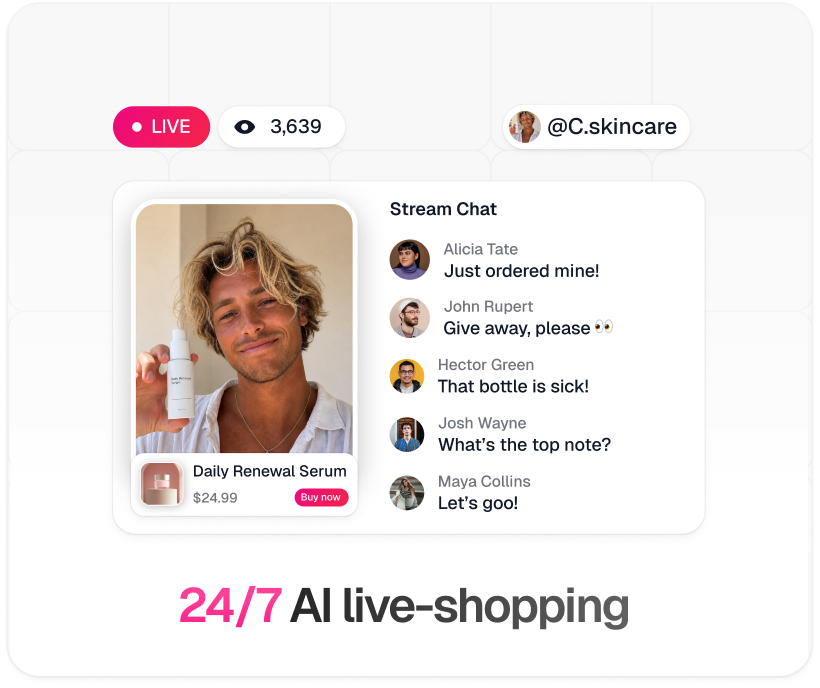
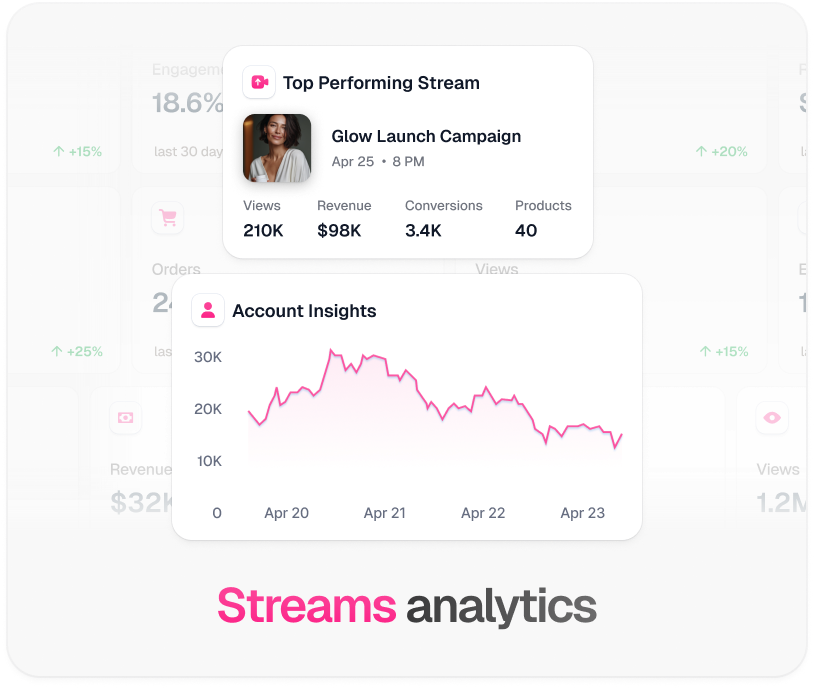
TwinTone renders the creator, the chat reading, and the product knowledge. OBS gives you the scene, the overlays, and the destination. Add TwinTone as a browser source and the rest of your production stack stays exactly where it is.
Sources: Verified August 2026 against TwinTone's own embed implementation and the OBS Project's browser source documentation.
Three moves from signup to a stream that sells.
Launch the stream in TwinTone and make sure it is public rather than private — private streams are never embeddable.
In OBS, add a Browser Source pointed at your TwinTone embed URL, size it to your canvas, and build your scene around it.
Point OBS at any destination: a native service preset, or Service: Custom with your own RTMP URL and stream key.
Pick a path, then follow it top to bottom. Nothing skipped, nothing assumed.
The browser source is a live viewer of your own stream, so latency and quality match what your audience sees.
Keys are credentials. Regenerate any key that has been shared, screenshotted, or pasted into a chat.
| Source type | Browser |
|---|---|
| URL | Your TwinTone public stream embed URL |
| Canvas, landscape | 1920 × 1080 |
| Canvas, vertical | 1080 × 1920 |
| Audio | Enable Control audio via OBS to route the creator's voice through your mixer |
| Stream visibility | Must be public — private streams are not embeddable |
One creator, one catalog, one script — pointed at whichever surface your buyers are on.
No. For YouTube, Facebook, Instagram, and TikTok you connect the channel over OAuth and TwinTone delivers the stream itself. OBS is for teams who want their own overlays, extra sources, a human co-host, or a destination we do not connect to natively.
As a Browser Source pointed at your public stream embed URL. Set the width and height to match your canvas, and tick Control audio via OBS so the creator's voice routes through your mixer.
The most common cause is that the stream is private — private streams are never embeddable, by design. Make the stream public and confirm it is actually live rather than still preparing.
Yes, that is the main reason to use OBS. The browser source is just another layer in the scene, so overlays, lower-thirds, price cards, and chat widgets all sit on top as normal.
Yes. Add your camera as a second source in the same scene. The AI creator keeps reading chat and presenting products while your host cuts in.
Anything that accepts RTMP: YouTube, Facebook, Instagram via Live Producer, TikTok via LIVE Center, Amazon Live via the Creator app, Twitch, Kick, or your own media server. Route B covers where each key comes from.
Start a stream, copy the embed URL, and drop it into OBS.
Get started →TwinTone is not affiliated with the OBS Project. OBS and OBS Studio are trademarks of the OBS Project.