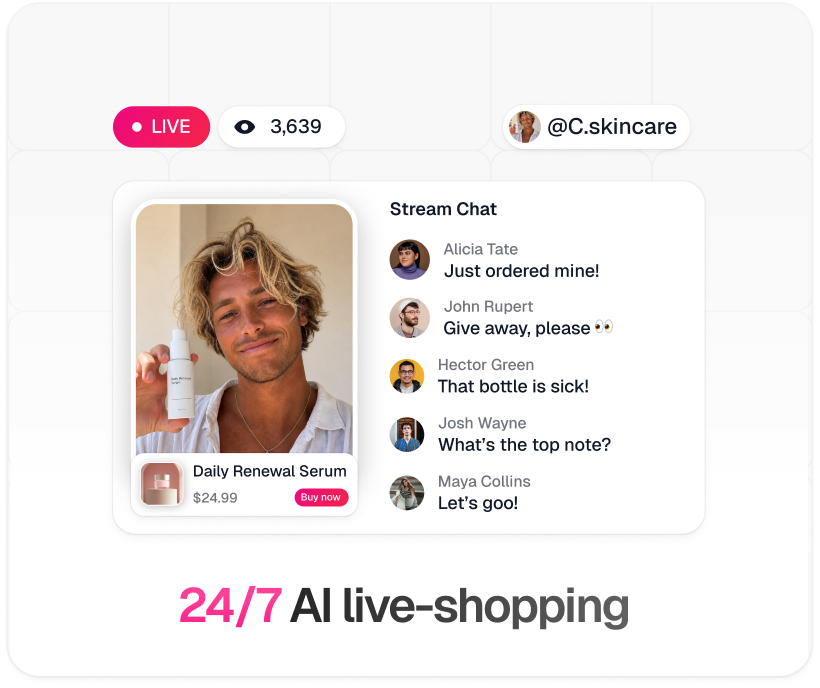
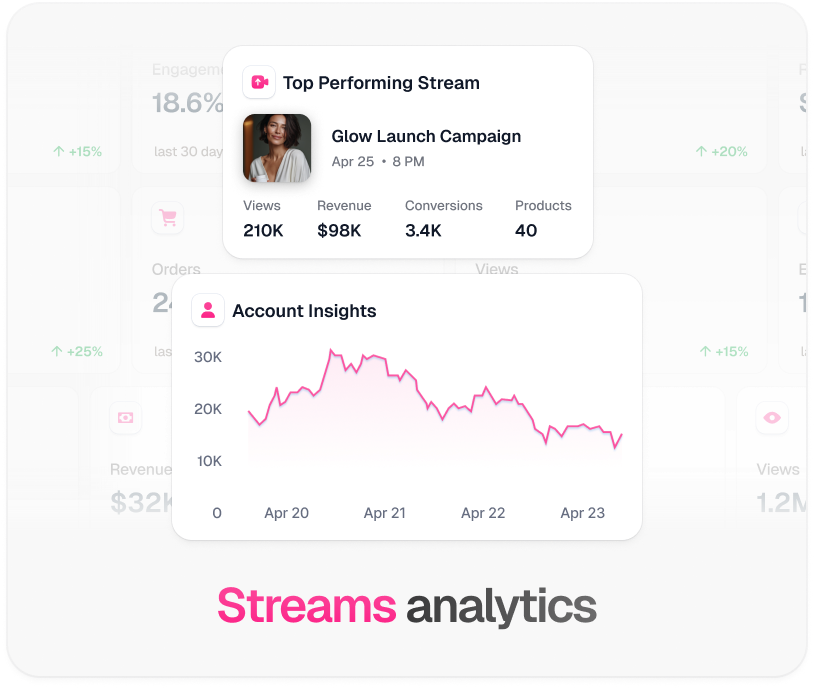
Amazon Live accepts an external camera feed over RTMP. TwinTone produces exactly that — an AI creator presenting your products and reading chat, for as much streaming time as your plan covers. Here is the real route, including the parts Amazon controls.

Sources: Verified August 2026 against Amazon's Amazon Live Creator app documentation and third-party streaming guidance on the external-camera RTMP route. Amazon Live's programme rules change — confirm your eligibility in Seller Central or the Influencer Program before planning.
Three moves from signup to a stream that sells.
Download the Amazon Live Creator app and sign in with your Seller, Vendor, or Influencer credentials. Create the livestream and add the products you want featured.
In the app, set the video source to External camera and tap to get your URL and stream key.
Send us the destination and we configure your stream's RTMP output. Your AI creator then presents your products on Amazon's surface, with the same catalog knowledge it uses everywhere else.
Pick a path, then follow it top to bottom. Nothing skipped, nothing assumed.
Fewest moving parts. TwinTone renders and encodes; Amazon's app controls the broadcast.
Choose this if you want your own graphics package over the AI creator, or a human co-host cutting in.
| Protocol | RTMP, external camera source |
|---|---|
| Resolution | 1280 × 720 |
| Video profile | AVC Level 3.1 |
| Keyframe interval | 2 seconds maximum |
| Broadcast control | Amazon Live Creator app — required to start and stop |
| Eligibility | Influencer with active storefront, Seller Central brand owner, or approved vendor |
One creator, one catalog, one script — pointed at whichever surface your buyers are on.
No, and we would rather say so. TwinTone's one-click OAuth connect covers YouTube, Facebook, Instagram, and TikTok. Amazon Live works over RTMP, and we configure that destination with you during setup instead of in a self-serve field.
Amazon limits it to Influencer Program members with an active storefront, brand owners using Seller Central, and vendors with an approved Amazon Store. Confirm your status with Amazon before planning a channel.
Yes. Even streaming from external software, Amazon's app is what creates the stream, sets featured products, and starts and stops the broadcast. It is required, and it runs on a phone.
In the Amazon Live Creator app, set the video source to External camera and tap to get the URL and stream key. Those go into TwinTone's destination config or into OBS under Service: Custom.
1280 × 720, AVC Level 3.1, and a keyframe interval of at most 2 seconds. The settings table above has the full list.
Two separate limits apply. On our side, TwinTone imposes no fixed session cap, but streaming time is metered against your plan and billed — Starter includes 300 minutes, so a genuinely always-on channel needs a plan sized for it. On Amazon's side, whether its programme rules and moderation support an always-on channel is Amazon's call, and it has tightened distribution over time. Confirm both before building a plan around it.
Book a setup call and we will configure the destination with you.
Book a setup callTwinTone is not affiliated with Amazon.com, Inc. Amazon and Amazon Live are trademarks of Amazon.com, Inc.