Instagram Live · connect your account

AI live shopping on Instagram Live, session by session

Your AI creator hosts the Live, reads comments as they land, and drives viewers to your own checkout. Instagram caps Live sessions, so we are straight with you about what that means for an always-on strategy.
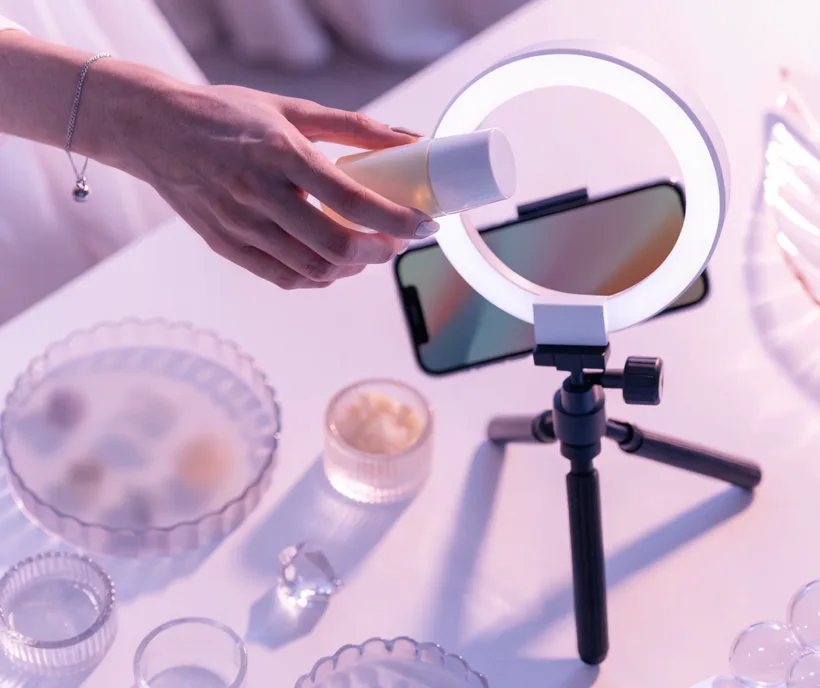
TwinTone AI live-shopping stream broadcasting to Instagram Live with pinned products and real-time chat

Instagram is the strictest of the majors — here is the honest picture

It is session-based, not always-on
Instagram issues a fresh stream key for every Live, and sessions are capped. This is the one platform where a genuine 24/7 channel is not possible for anybody — TwinTone included.
How long is a session?
Meta has raised the Instagram Live cap to 4 hours, but sessions driven through Live Producer are commonly reported ending closer to an hour. Plan around scheduled appointment viewing rather than continuous coverage.
You need a Professional account
Live Producer, the RTMP path that third-party software uses, requires an Instagram Professional account. Instagram does not offer an official, documented OBS integration.
Native live shopping
Meta wound down its live shopping features across Facebook and Instagram. Product discovery in a TwinTone Live happens through the creator presenting on screen and driving to your link.

Sources: Verified August 2026 against Instagram's Live Producer announcement, third-party streaming-software guidance on Instagram RTMP, and reporting on Meta's live shopping wind-down. Instagram changes this surface often — re-check before launch.

How it works

Three moves from signup to a stream that sells.

1

Connect your account

In TwinTone, open Connect and authorise your Instagram Professional account.

2

Load your catalog and schedule

Import your Shopify catalog, pick the products for this session, and schedule the Live like an appointment — a launch, a drop, a Q&A.

3

Run the session

Your creator hosts, answers comments in real time with real product knowledge, and drives to your checkout link. Every session auto-clips into Reels-ready short-form.

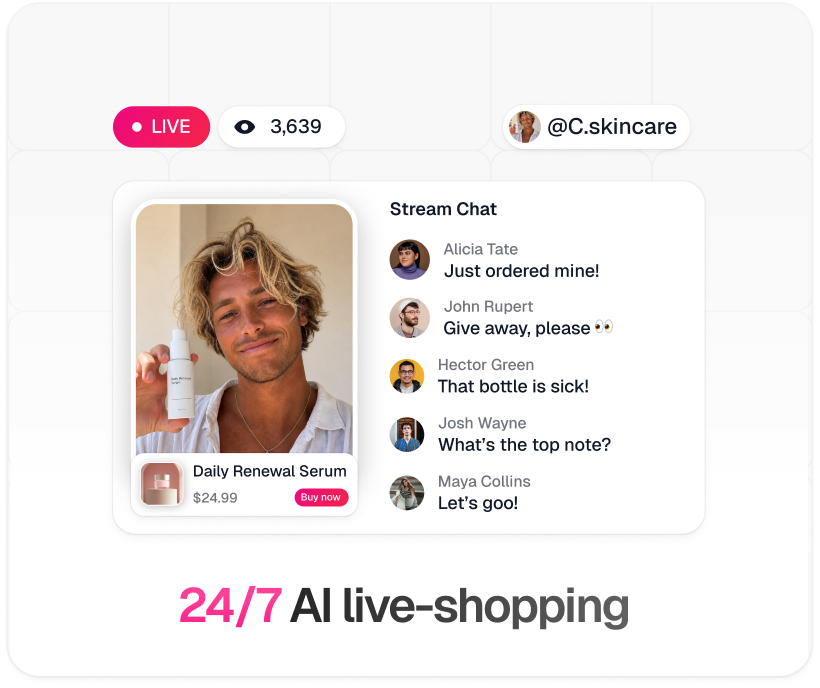
TwinTone 24/7 AI live-shopping stream: live badge, viewer count, pinned product with Buy now button, and real-time stream chat
Step by step

Your route to going live

Pick a path, then follow it top to bottom. Nothing skipped, nothing assumed.

1
Create your TwinTone account and open Connect.
2
Choose Instagram Live and authorise your Professional account.
3
Pick your creator, pin the products for this session, and set the checkout link.
4
Schedule the session and promote it. Treat each Live as an event, not a channel that runs unattended.

Best fit for drops, launches, and Q&As — the formats Instagram's audience actually shows up for.

1
Confirm your account is an Instagram Professional account.
2
Open Live Producer and start a new Live to generate an RTMP URL and stream key. The key is temporary and specific to that session.
3
In OBS, add your TwinTone stream as a Browser Source from your embed URL, then layer on your overlays.
4
In OBS, open Settings → Stream, choose Service: Custom, and paste the RTMP URL and key. Start streaming, then go live from Live Producer.

Generate the key immediately before you go live — it will not survive to your next session, so build the habit of a fresh setup each time.

Instagram stream facts
Account typeProfessional account required for Live Producer
Stream keyTemporary — a fresh key per session
Session capUp to 4 hours; Live Producer sessions often end sooner
Always-onNot possible on Instagram, for any tool
Official OBS supportNone documented by Instagram
Native product tags in LiveWound down by Meta

Why brands run it this way

Turns Instagram Live into a repeatable appointment format instead of a scheduling headache
AI creator answers comments in real time with real specs from your catalog
Viewers check out on your own store, so you keep the customer and the data
Every session auto-clips into Reels-ready short-form that keeps working after the Live ends
Run the same creator and script here that runs your always-on YouTube channel
Disclosure is default-on and locked — no policy surprises
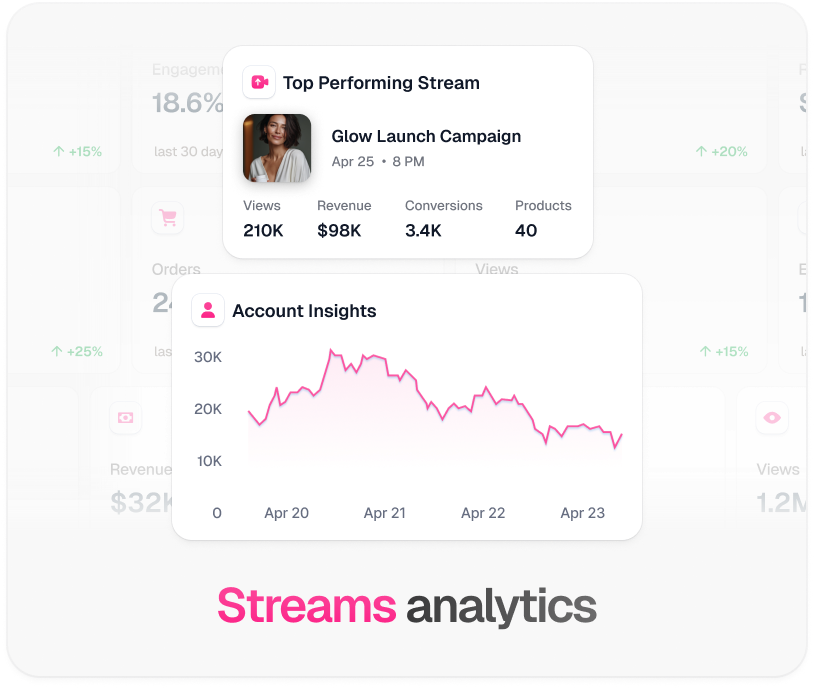
TwinTone stream analytics: top performing stream revenue, conversions, and account insights graph

Every platform TwinTone streams to

One creator, one catalog, one script — pointed at whichever surface your buyers are on.

Instagram Live FAQ

Can TwinTone run a 24/7 stream on Instagram?

No, and neither can anything else. Instagram is session-based: it issues a fresh stream key per Live and caps session length. Anyone promising always-on Instagram Live is describing something the platform does not support. Use Instagram for scheduled sessions and YouTube for the always-on channel.

How long can an Instagram Live run?

Meta has raised the cap to 4 hours, though sessions driven through Live Producer are commonly reported ending closer to an hour. Plan for an event, not a marathon.

Do I need a Professional account?

Yes, for the RTMP route. Live Producer, which is how any third-party software reaches Instagram, requires an Instagram Professional account.

Does Instagram officially support OBS?

Not with a documented integration. The working path is Live Producer's RTMP URL and temporary stream key, which OBS accepts as a custom server. Route B walks through it.

Can viewers buy inside the Live?

Not through native live product tags — Meta wound those down. Your creator presents the product on screen and drives viewers to your own checkout, which keeps the customer and the margin with you.

Does the AI host have to be disclosed?

Yes, and it is by default. Every TwinTone creator states that it is AI, and the disclosure is locked so viewers cannot bait the host into denying it.

Make every Instagram Live count.

Connect your account, pick your AI creator, and schedule your first session.

Get started →

TwinTone is not affiliated with Meta Platforms, Inc. Instagram is a trademark of Meta Platforms, Inc.